
What each device needs
The host needs Windows 10 or 11, CS2, an active Shaitan license and an internet connection. The host keeps the launcher running while the session is active.
A viewing device needs an internet connection, a browser and the current guest link. Viewers do not need a separate account, license or launcher.
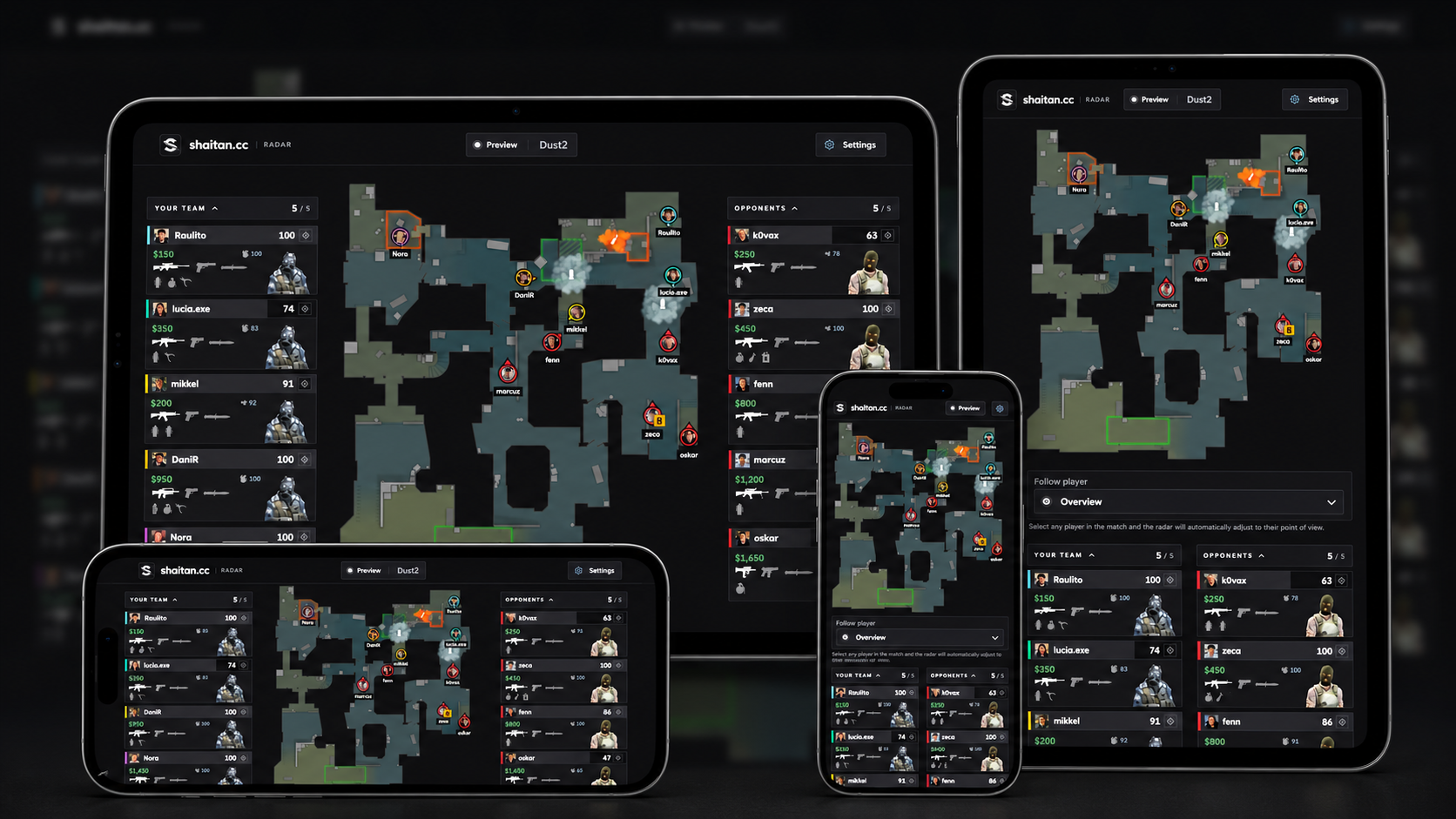
Open the radar on a phone or tablet
Start the session on the Windows PC and wait until the launcher says Running. Copy the guest link and send it privately to the viewing device. Open the complete link in its browser.
The viewing device can use a different network. No router port forwarding is needed. A new session generates a new link, so send the current link again when restarting.
Use a second monitor or another computer
On the host PC, open the guest link in a browser and move the browser window to the second monitor. Another computer can open the same link in its own browser.
You can also use the browser built into the Steam overlay. This is a browser view, not a separate overlay installed by Shaitan.
Adjust the view and troubleshoot
Use the radar settings to adjust language, zoom and the information shown. On smaller screens the panels rearrange around the map.
If the radar is waiting for data, check that the host is in a supported match and the launcher is running. Reload the page or ask for the new link if the session was restarted. Each open radar tab counts towards the limit of 64 simultaneous connections, including the host’s own tab.